Enabling/ Disabling the Bot
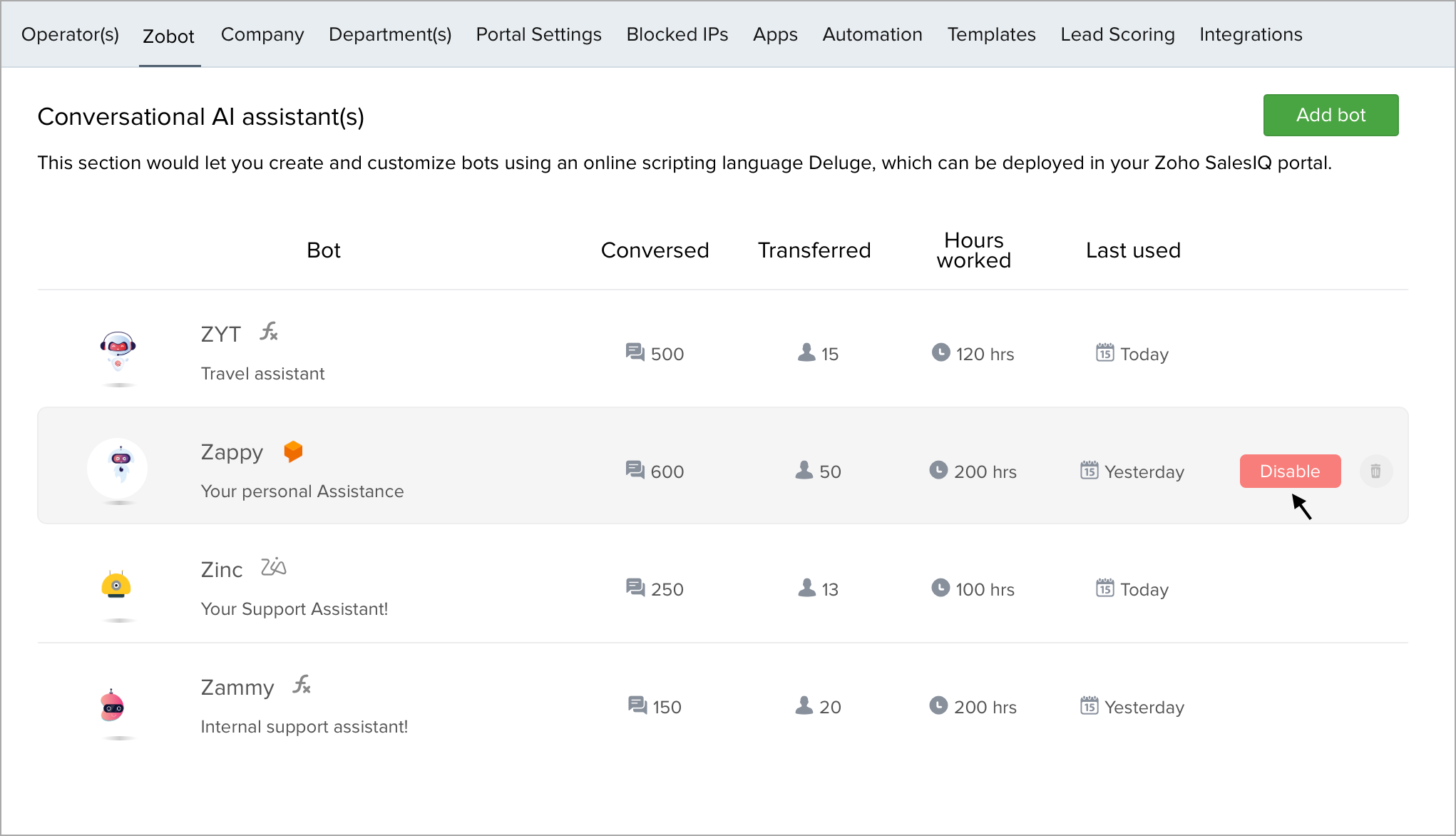
- In Settings > Zobot, all the existing bots will be listed.
- Choose a bot, and click on the Enable/Disable button to perform the respective actions.
Related Articles
Basics of Zia Skills Platform
Here, you can learn the basics of using the Zia Skills Platform and about the integration process. In the integration flow, the Zia Skills syntax will be automatically converted into SalesIQ syntax. Mapping a Zobot to a skill in Zia Skills How to add ...